A forum with substance
Discuss onboarding, safety, growth, automation, and practical questions in recognisable categories. Search, reply, and follow real activity without invented statistics.
How joining works ↓Meet other builders, exchange knowledge, chat live, and give your HubNova identity its own style. Everything lives inside the same trusted dashboard — optional, managed, and built for genuine connection.
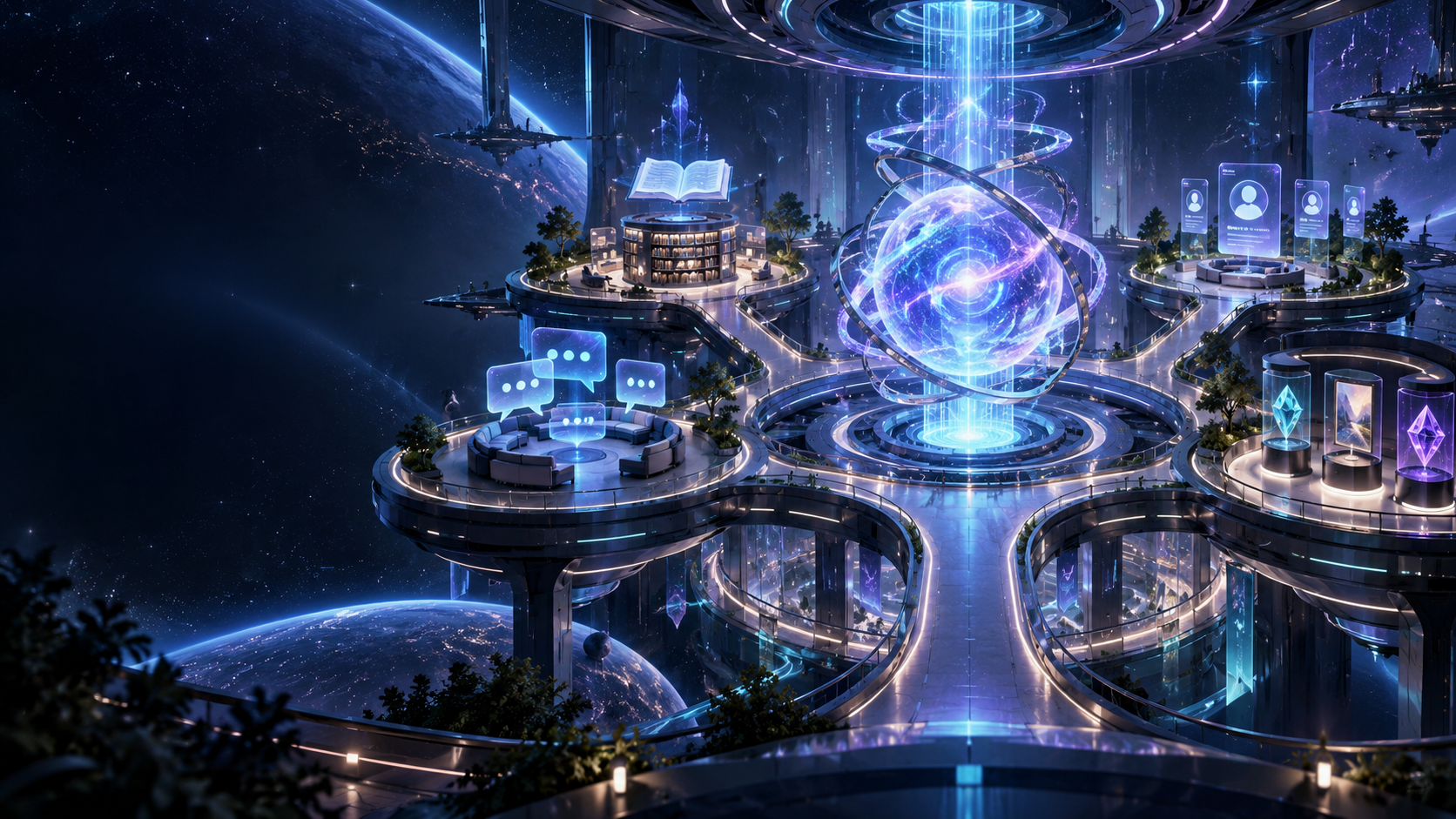
Forum, Chat, Shop, Benefits, and your profile open directly inside the dashboard. That keeps you close to your servers, account, and settings while the Community still has its own recognisable environment.
Discuss onboarding, safety, growth, automation, and practical questions in recognisable categories. Search, reply, and follow real activity without invented statistics.
How joining works ↓Start in the Lobby, move between managed rooms, react with emoji, and take the compact chat with you throughout the dashboard.
How joining works ↓Choose your display name, bio, social links, and which managed servers to show. Participation is voluntary and your profile stays disabled by default.
How joining works ↓Unlock HubNova-native profile backgrounds, name styles, badges, avatar frames, and chat effects. Everything is cosmetic; permissions and moderation are never for sale.
How joining works ↓Earn points through real HubNova activity, review every movement in your history, and use them exclusively for Community items.
How joining works ↓One central place for knowledge, connections, and personal style, with new possibilities appearing inside the familiar HubNova dashboard.
How joining works ↓These real product views show the foundation Community is built into: your overview, server management, and privacy settings.
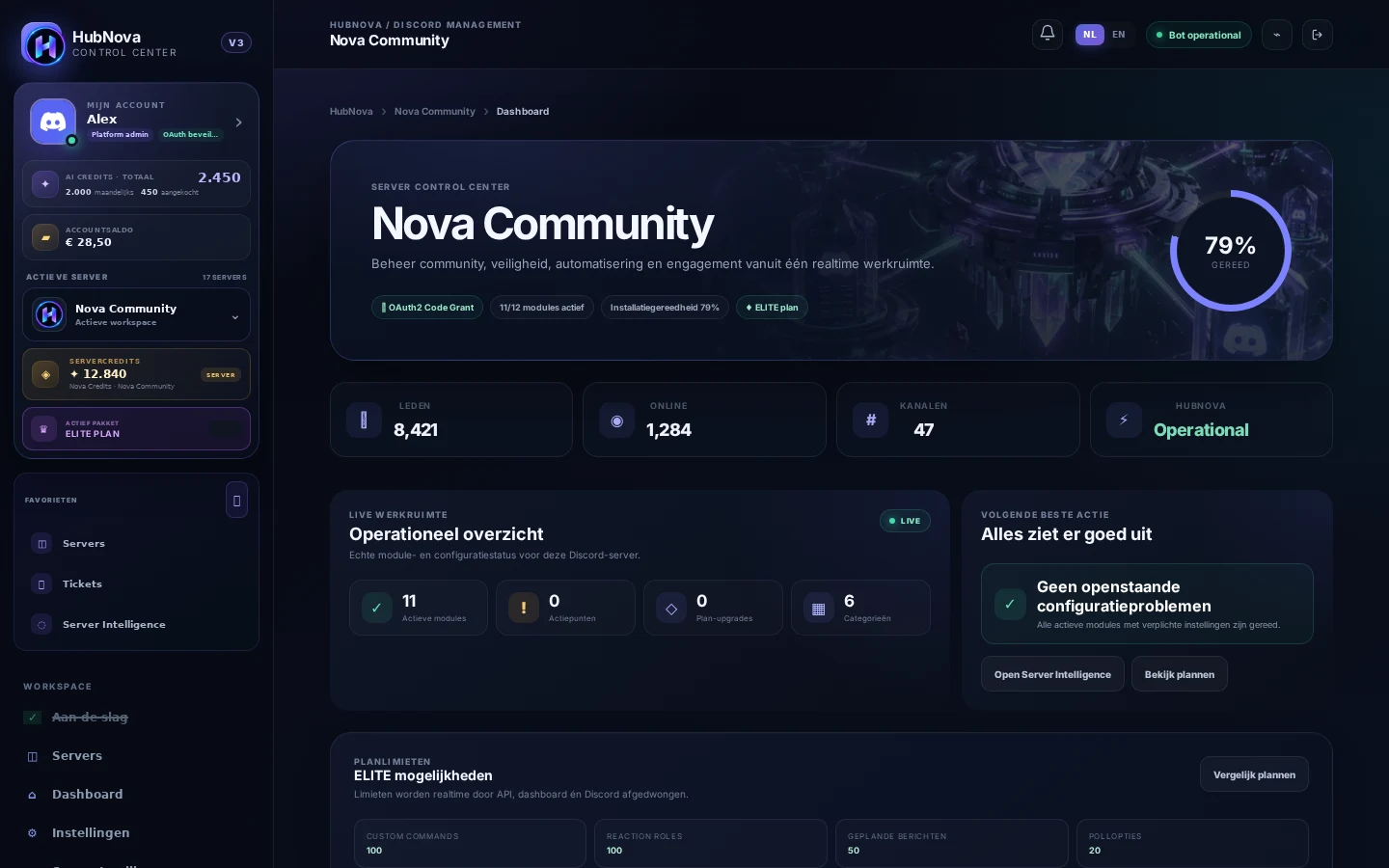
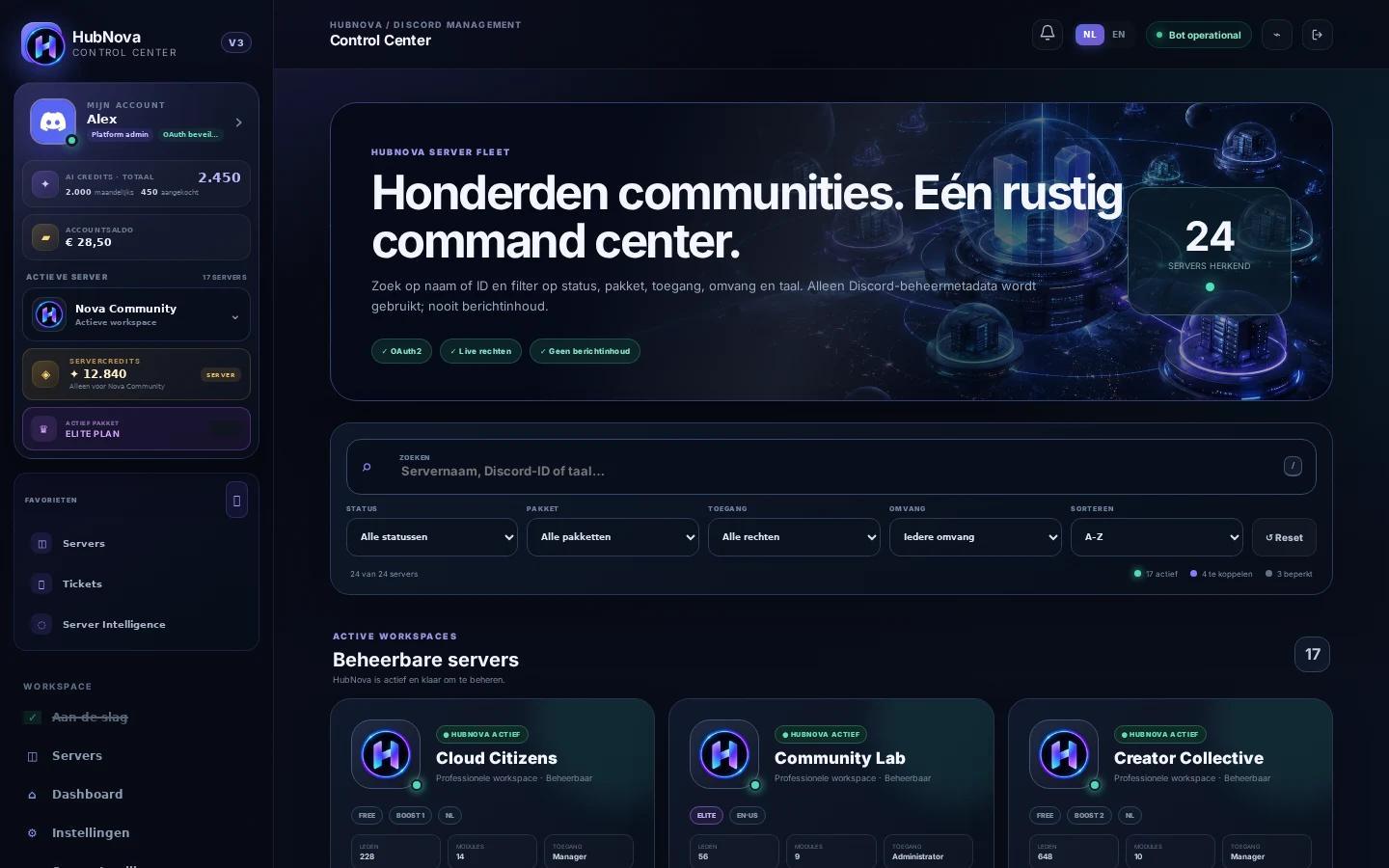
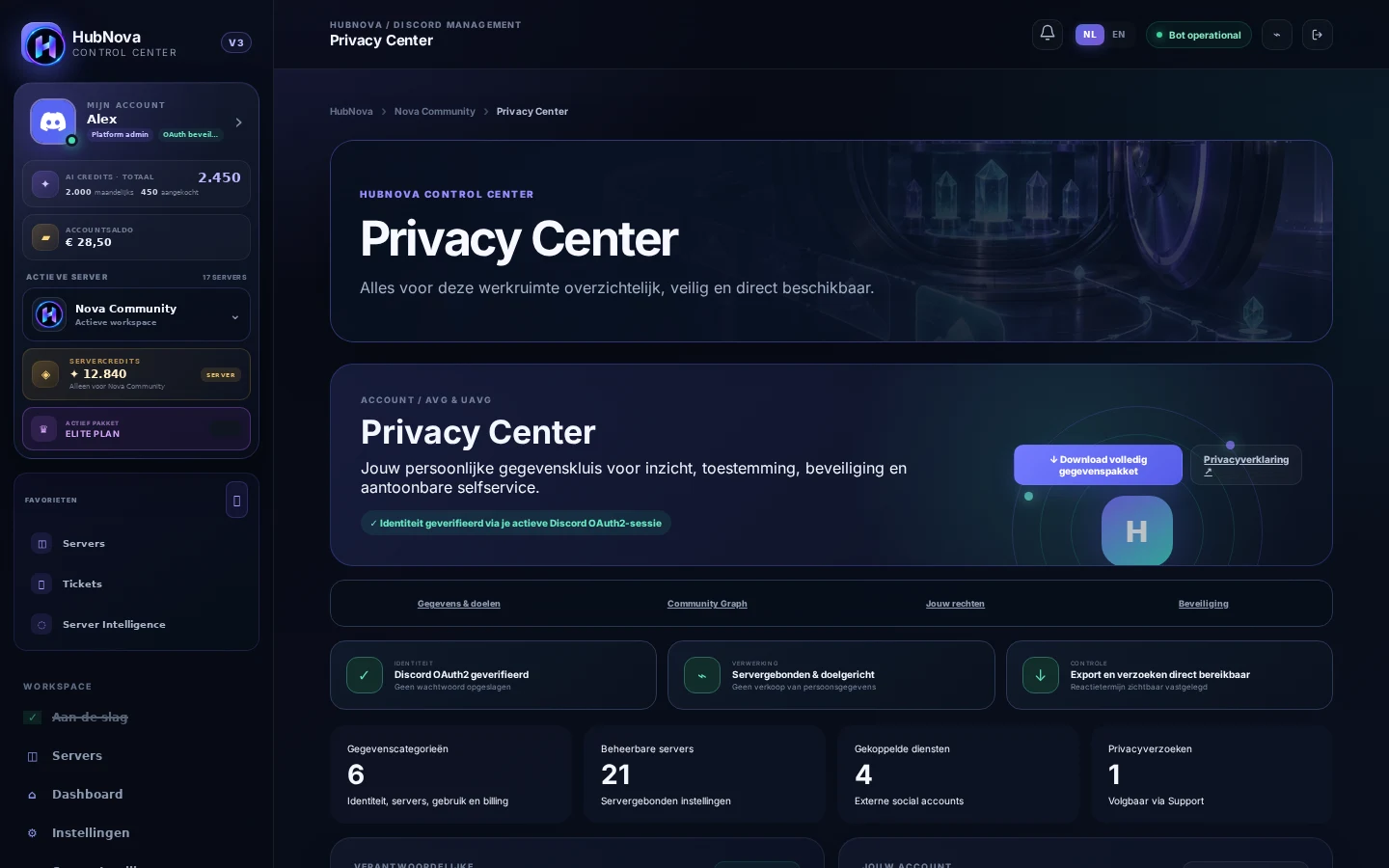
Community remains intended for members aged 13 and over, but the account-wide age check is currently disabled. Moderators work with assigned permissions, members can report content, and management actions remain auditable.
The key choices around participation, privacy, and the HubNova Community Shop in one place.
No. Community is optional and disabled by default. You activate participation yourself through your profile and decide what information becomes public inside HubNova.
The Shop is entirely focused on your HubNova identity. Unlock cosmetic profile items such as backgrounds, name styles, badges, avatar frames, and chat effects that make your place in the Community personal.
Signed-in members with an activated Community profile get access. The account-wide age check is currently disabled; Platform Admin can manage this policy centrally.
You choose your public name, bio, social links, and visible servers. HubNova does not store a date of birth for this and you can withdraw participation from your account.
Enable Community, meet other builders, and give your HubNova profile a place that truly feels like yours.